To stay connected abroad without huge roaming bills, you do one thing before you fly: decide where your data will come from, and switch off your home carrier’s data roaming the moment you land. A carrier travel pass, a travel eSIM, or a local SIM all cost a predictable amount. Default roaming rarely does.
Most bill shock comes from one source: your phone quietly syncing photos, loading map tiles and updating apps over a foreign network that your home carrier bills at a steep markup per megabyte. The fix is boring and takes about ten minutes before departure.
Below is the sequence I would follow for any trip, whether it is a weekend in Lisbon or six weeks across three countries.
Table of Contents
- 1What You Need
- 2Step-by-Step: How to Stay Connected Abroad Without Huge Roaming Bills
- 31. Estimate What You Actually Need Online
- 42. Check Your Carrier’s Roaming Options
- 53. Compare an eSIM, Local SIM, and Portable Wi-Fi to Stay Connected Abroad Without Huge Roaming Bills
- 64. Install Connectivity Tools Before Departure
- 75. Connect Safely and Keep Data Under Control
- 8Common Mistakes
- 9Frequently Asked Questions
- 10Does texting cause roaming charges when you’re abroad?
- 11Does airplane mode stop roaming charges?
- 12Is a travel eSIM cheaper than my carrier’s roaming pass?
- 13Will my phone work with an eSIM?
- 14How much data do I need for a week of travel?
- 15Conclusion
What You Need
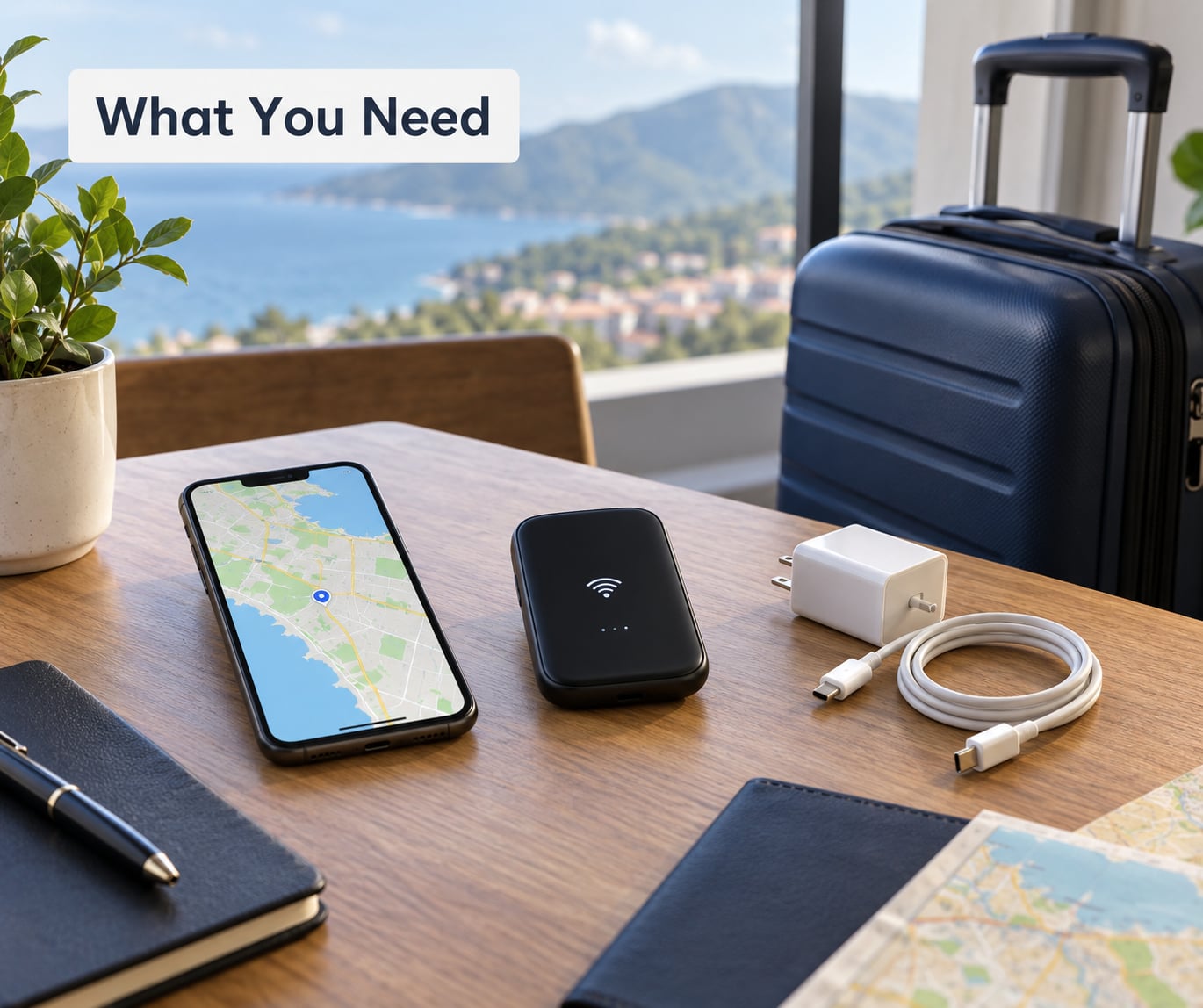
An unlocked phone is the foundation. A phone still tied to a single carrier contract cannot use most travel eSIMs, and swapping SIM trays on some contracts is a violation of your terms. Check your IMEI status first, because a locked handset is the one problem no roaming trick solves.
Then you need a data source, and one backup. The primary option is either a roaming pass from your existing carrier, a prepaid travel eSIM, or a physical local SIM you buy on arrival. The backup matters more than people expect: cruise and in-flight Wi-Fi is slow and often metered, so a second option protects you on the days your first one runs out or simply does not work.
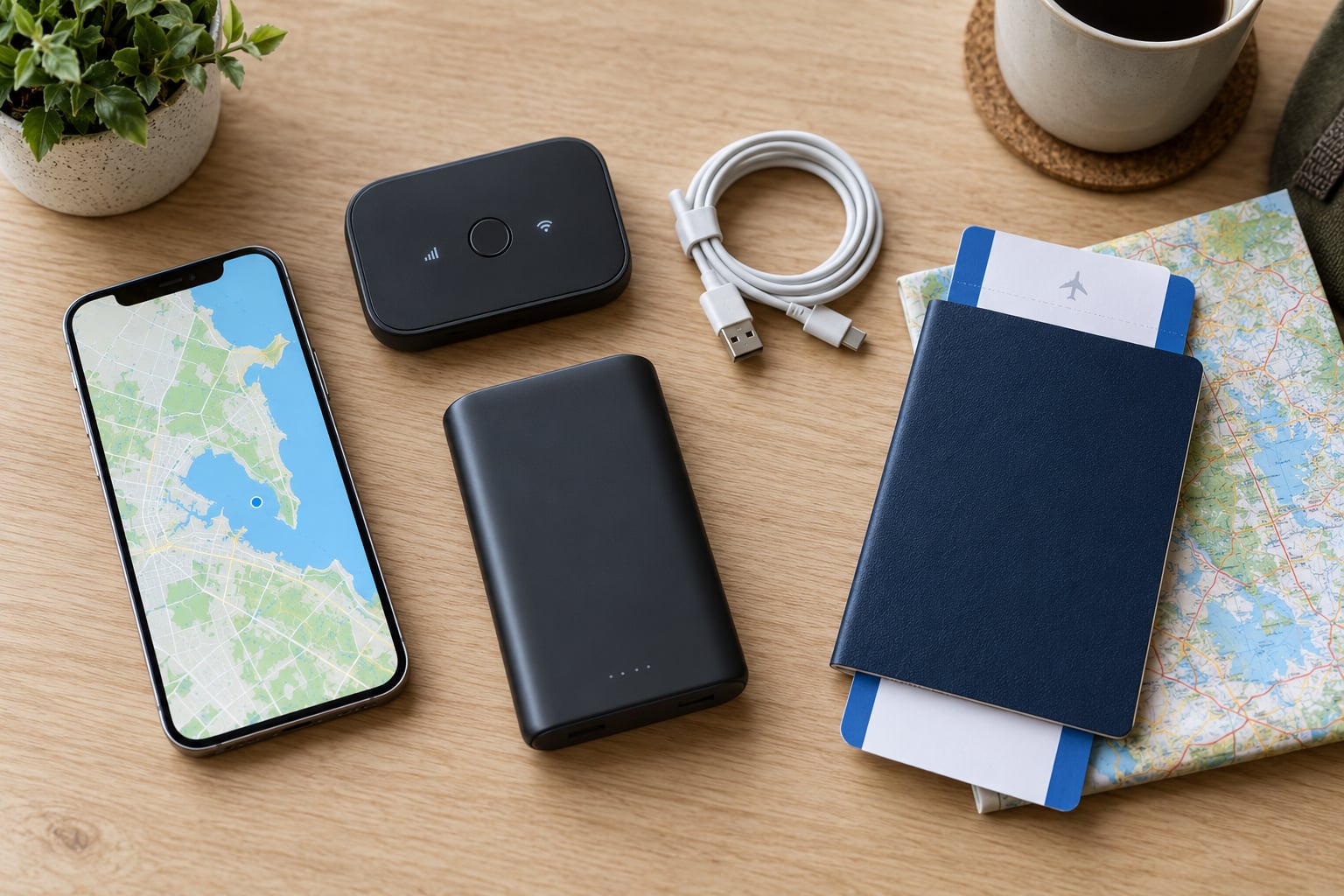
- Unlocked phone that accepts an eSIM, or a SIM tray you can swap.
- A power bank and a second charging cable. Power banks are restricted in cabin baggage, so keep it in checked luggage and check the airline’s limit.
- Offline maps downloaded over your home Wi-Fi, including walking and transit layers.
- Messaging apps that work over Wi-Fi or data, so you can send texts and photos without paying for SMS or MMS abroad.
- Your authenticator app tested before you fly, because SMS codes can be slow or blocked on some foreign networks.
- A short note of your destination facts: carrier names, voltage and plug type, and whether the country uses regional multi-country eSIMs.
One more thing to research in advance: how the destination country handles roaming for visitors. Inside the EU and EEA, many plans sold within the region roam at domestic rates under the Roam Like at Home rules, with fair-use caps and exceptions for very high usage. Those rules have been revised by several carriers in recent years, so confirm your specific plan rather than assuming it applies.
Step-by-Step: How to Stay Connected Abroad Without Huge Roaming Bills
1. Estimate What You Actually Need Online
Most travellers overestimate, and some of them badly underestimate. Sizing a plan takes two minutes if you split your usage into light and heavy.
Light use, where a gigabyte goes a long way:
- Text messages and app messaging: negligible, well under a megabyte for a full day of chat.
- Photo messages: roughly half a megabyte to five megabytes each, depending on resolution and how many you send.
- Turn-by-turn navigation: about five to fifteen megabytes per hour of active driving.
- Ride-hailing and transit apps: a few megabytes per trip.
- Music streaming: roughly one to two megabytes per minute of audio.
Heavy use, where plans run out fast:
- Video calls: a few hundred megabytes for a ten-minute call.
- Video streaming: somewhere between 0.7 and 3 gigabytes per hour depending on quality.
- Automatic photo backup to the cloud: commonly 100 to 500 megabytes a day.
- Tethering a laptop for a working day: easily 5 to 15 gigabytes.
A city break with maps, messaging and the occasional ride is usually comfortable on 3 to 5 gigabytes for the week. A two-week trip with video calls and daily backups wants 20 gigabytes or more. If you plan to work from your phone as a hotspot, size for that from day one rather than hoping.
2. Check Your Carrier’s Roaming Options
Your existing carrier usually offers one of three things, and knowing which one saves you from a nasty surprise.
A roaming pass or travel pass is a daily or trip bundle bought through the carrier app or website, usually valid for consecutive days up to a maximum. The convenient part is that it uses your home SIM, so your number, calls and SMS keep working with no changes. Watch for fair-use thresholds that throttle you to very slow speeds, and check whether hotspot tethering is blocked on the pass.
A data pass is a one-off chunk of data at a fixed rate for a set of destinations, bought before departure. It is often good value when your carrier has coverage where you are going.
Pay-per-use roaming is the default you get without buying anything. Per-megabyte rates in some countries are high enough to produce four-figure bills after a short trip, and the charge often lands weeks after you get home, which is when most people discover it.
Before you buy, check four things: which countries are included, whether the pass works on partner networks only, how activation works in the app, and whether your plan supports Wi-Fi calling. That last one matters more than people expect, because Wi-Fi calling lets you make and receive ordinary calls over Wi-Fi without any roaming charge at all.
3. Compare an eSIM, Local SIM, and Portable Wi-Fi to Stay Connected Abroad Without Huge Roaming Bills
Here is the honest comparison. Nobody wins every column.
| Option | Typical cost shape | Setup time | Keeps home number for calls | Data limit | Best fit |
|---|---|---|---|---|---|
| Carrier roaming pass | Roughly 10 to 15 dollars per day, capped at a set number of days | A few minutes before departure | Yes | Often unlimited, with a high fair-use cap | Business trips and short breaks where you want zero changes |
| Travel eSIM | Often a few dollars per gigabyte for regional plans, more for single-country or high-volume plans | Under five minutes, usually a QR code scan | Yes on dual-SIM phones, or Wi-Fi calling | Fixed allowance that runs out | Most leisure trips and multi-country itineraries |
| Local physical SIM | Usually the cheapest per gigabyte, especially on pay-as-you-go local brands | 30 to 90 minutes, plus queue time | Not while it is in the tray | Prepaid top-ups | Long stays and travellers who want the fastest local network |
| Portable Wi-Fi or own hotspot | Device rental commonly 5 to 15 dollars a day, often with a deposit; your own hotspot uses your plan’s data | Pick-up point or your own pocket | Yes for the hotspot device | Whatever the plan allows; tethering on roaming is often blocked or slow | Groups, and anyone tethering a laptop regularly |
Each option has a downside worth naming. Roaming passes get expensive over long trips and lose their value the moment you cross into a country outside the bundle. Travel eSIMs from virtual providers route traffic through a partner network, which on a congested local operator can mean noticeably slower speeds than a physical SIM.
Local SIMs demand passport photos and ID at the counter, sell in the local language, and leave you without your home number in the tray. Portable Wi-Fi means a queue, a rental desk, a device to charge and a second thing to lose.
Regional plans deserve their own note. If you are crossing several countries, one multi-country or regional eSIM is usually simpler than a stack of single-country ones, and it saves you a second QR scan every time you land. The reverse also holds: a single-country plan is a poor fit for an itinerary that keeps changing, because its validity window is short and fixed.
Before you buy any eSIM, confirm your phone supports it: iPhone XS and later in the US, most recent iPhones elsewhere, and most flagship Android phones from the last several years. If your phone has no eSIM at all, buy a local physical SIM or use a carrier pass. Checking whether your arrival airport sells SIMs from the major local operators saves you the queue at a row of near-identical stalls.
4. Install Connectivity Tools Before Departure
Everything you do on hotel Wi-Fi at 11pm on arrival is a problem you created at home. Do it all now, on reliable Wi-Fi.
- Download offline maps for every region you visit, including the walking and transit layers, and download the map of your arrival airport.
- Download offline translation packs for your destination language. Google Translate and similar apps work offline once the language pack is installed.
- Save boarding passes, hotel confirmations and travel documents to your wallet app and as a screenshot or PDF, since both work with no signal.
- Install and update your ride-hailing, banking and booking apps, and log into each one so you are not re-authenticating over a foreign network.
- Test your authenticator app by generating a code while still on Wi-Fi.
- Download your music and any series you want before boarding, and set them to download over Wi-Fi only.
- Screenshot your hotel address and emergency contact numbers in the local script as well as in English.
On the aeroplane, put the phone in aeroplane mode once you are airborne, and keep it there for the whole flight. In-flight connectivity is priced by the megabyte or by the minute and is rarely worth it.
5. Connect Safely and Keep Data Under Control
Switching roaming off is the single highest-value ten seconds in the whole process. The paths differ by device, and menu names shift between versions, so look for these labels.
On iPhone: open Settings, then Cellular (or Mobile Data on some regional builds), then Cellular Data Options, and turn off Data Roaming. Also turn off Cellular Data entirely if you plan to rely on Wi-Fi for the first day. Under Wi-Fi, confirm that Ask to Join Networks is on, so the phone hops onto networks it already recognises rather than any open one in range.
On Android: open Settings, then Network and internet (or Connections), then Mobile network or SIMs, and turn off Data Roaming. On Samsung devices the path is Settings, then Connections, then Mobile network. Many Android phones also offer a Data Saver or background data limit per app, which is worth setting for anything you do not need in real time.
Once you land, turn the phone back on but leave roaming off until your chosen plan is active. Then check usage rather than trusting your memory: most carrier apps and both iPhone and Android settings screens show data used in the current billing cycle or over the current period.
For public Wi-Fi, be selective. Turn off auto-join, avoid banking or any financial login on an open network, and use a trusted VPN or your phone’s own hotspot if you must. A captive portal asking for a credit card on an airport network deserves a second look before you type anything.
Turn roaming back on in one situation only: when you are on a network your plan does not cover and you have decided the cost is worth it, such as a taxi from the airport to a hotel when your eSIM has not activated. Know your plan’s roaming price per megabyte first, so that decision is a number and not a surprise.
Common Mistakes
Trusting aeroplane mode as a complete solution. It does stop any roaming charge, because the radio is off. The cost is that you stop receiving calls and SMS, including two-factor codes from your bank, which is a real problem if you are separated from family or need to reach anyone.
Assuming Wi-Fi calling covers everything. It handles ordinary voice calls on most carriers, but SMS and MMS are often still billed at roaming rates, and it does nothing for data. Sending messages through an app over Wi-Fi is the free path, not texting.
Tethering while roaming. Sharing a roaming connection is frequently blocked, capped or throttled hard, and some carriers explicitly bill tethering as a separate service. If you need a laptop connection, buy the data deliberately rather than discovering the trap at an airport Wi-Fi price.
Relying on free Wi-Fi as the whole plan. Hotel and cruise internet is often slow, time-limited or metered, and open networks are not private. Treat Wi-Fi as a bonus layer over a real data plan.
Thinking an eSIM replaces your number. On most dual-SIM phones your physical SIM keeps working for calls and SMS while the eSIM carries data, which is exactly what most travellers want. If your phone is single-SIM, an eSIM replaces the line entirely, and your old number may stop receiving texts, including security codes.
Notifying nobody when roaming silently stays on. Background sync is the usual culprit in large bills, not deliberate streaming. Turning off roaming, or switching to a low-data mode for the first hour, closes that gap.
Waiting for a shock bill to sort itself out. If a roaming bill has already landed, act quickly: call your carrier before the charge posts to the card, explain that data roaming was unintentionally left on or that you bought a plan believing it applied, and ask for a goodwill credit. Document the trip, the dates and the plan you believed you had, and keep screenshots. If the carrier refuses, escalate to your national consumer or telecommunications regulator, which in the UK means Ofcom or Trading Standards, and in the US the FCC complaint process or your state attorney general. Traveller forums are full of three-figure surprises from carriers people assumed included roaming, which is why a goodwill credit is usually the first thing to ask for.
Frequently Asked Questions
Does texting cause roaming charges when you’re abroad?
Plain SMS and MMS usually do, because they travel over the foreign network. Sending messages through WhatsApp, iMessage, Signal or similar apps costs almost nothing over Wi-Fi or a data plan, since it is just data. That is the single easiest change travellers can make: move conversations to an app before you land and your texting costs go to nearly zero.
Does airplane mode stop roaming charges?
Yes, completely, because the cellular radio cannot connect to any network. The trade-off is that you also stop receiving calls and SMS, including two-factor codes from banks and email logins. It is the right setting in flight and a good overnight setting on a carrier with no roaming coverage for your destination, but it is not a substitute for buying a data plan.
Is a travel eSIM cheaper than my carrier’s roaming pass?
For most leisure trips, usually yes, often by a wide margin. A carrier pass commonly runs around 10 to 15 dollars a day before it caps, while prepaid travel eSIM data often costs a few dollars per gigabyte for regional plans. Long trips and heavy use favour eSIMs further. Short business trips with predictable light use can go either way, and a carrier pass wins on convenience because your number stays untouched.
Will my phone work with an eSIM?
Most phones from the last several years do. In the US that means iPhone XS and newer, plus most recent flagship Android models. You also need the handset to be carrier-unlocked, and your home carrier must allow the line to be used abroad. Check the IMEI status in your carrier app or by dialling the code your carrier publishes before you buy anything, because a locked phone cannot use most travel eSIMs.
How much data do I need for a week of travel?
Three to five gigabytes covers maps, messaging, ride-hailing and ordinary browsing for a typical city break. Video calls, streaming and automatic photo backup push that up sharply, and tethering a laptop can eat 5 to 15 gigabytes in a single working day. Add roughly 20 to 40 percent as a buffer, since roaming outages and heavier navigation are normal on unfamiliar networks.
Conclusion
The safest first move is a ten-minute job before departure: compare your trip’s real data needs against your carrier’s roaming options, and choose one deliberate source for data, with a backup for the days it does not cover. Activate that plan before you board, turn data roaming off the moment you land, and check usage while you travel rather than after. Everything else on this page is a detail compared with that sequence.