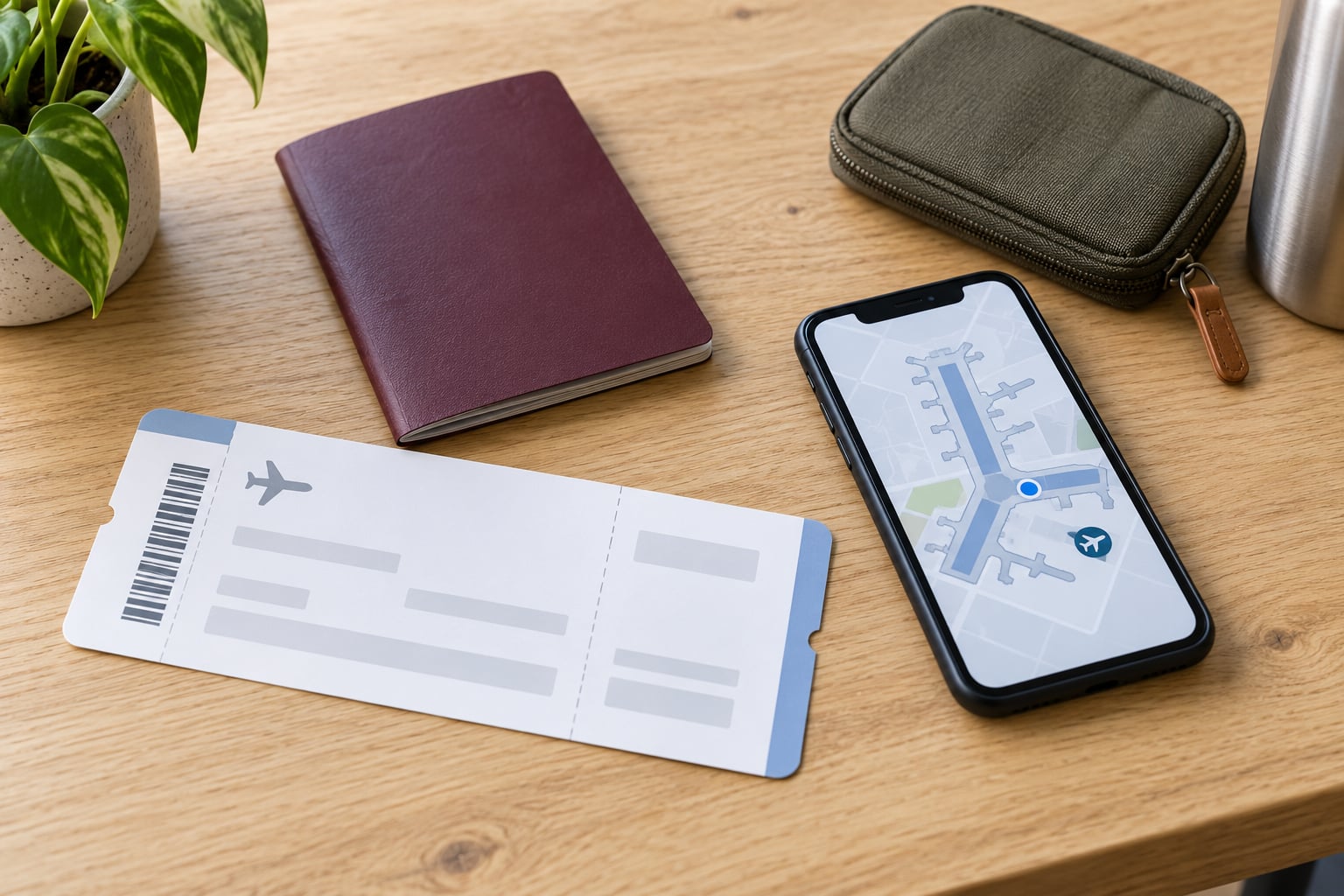
A boarding pass is the scannable document that gets you onto the plane. It tells you the flight number, the airport and terminal you leave from, the gate, your seat, when boarding starts, and how the airline has sorted you into a boarding group. Read those eight fields before you leave home, because gates move and boarding usually closes well before the departure time printed in the middle of the pass.
The eight fields worth checking, in the order I check them:
- Passenger name — must match the ID or passport you will present, usually printed as SURNAME/FIRSTNAME with no space.
- Airline code and flight number — a two-letter carrier code plus a number, like DL2846.
- Travel date — printed near the top; confirm it is today’s date, not tomorrow’s.
- Origin and destination — three-letter IATA airport codes such as MAD or JFK, with terminal buildings beside them.
- Departure time — the scheduled wheels-up time, not when you need to be at the gate.
- Boarding time — when your group is expected at the gate, usually 30 to 60 minutes earlier.
- Gate — provisional until the airline confirms it; check the app and airport screens.
- Seat and boarding group — row number plus seat letter, and the zone or group number that sets your place in the line.
Everything else printed on the pass is either an identifier for the airline’s systems or a note about a service you bought. Here is what each one does.
Table of Contents
- 1What You Need
- 2Step-by-Step: How to Read a Boarding Pass
- 3How to Read the Airline, Flight Number, and Travel Date
- 4How to Find the Departure Airport, Terminal, and Gate
- 5How to Read the Departure Time and Boarding Time
- 6How to Find Your Seat and Boarding Group
- 7How to Check Status, Sequence Number, and Special Labels on a Boarding Pass
- 8How to Check Baggage, Lounge, and Other Travel Information
- 9Common Mistakes When Reading a Boarding Pass
- 10Frequently Asked Questions
- 11Will my boarding pass work if I screenshot it?
- 12Do I need to print my boarding pass if it is on my phone?
- 13How do I decode a boarding pass barcode?
- 14What is the boarding time printed on a boarding pass?
- 15Why is the name on my boarding pass different from my passport?
- 16What does SSSS on a boarding pass mean?
- 17Conclusion
What You Need
Three things, and one of them decides whether you need a printer.
- Your boarding pass. Paper or mobile, it holds the same data. Some airlines now issue passes only in the app or on their website, with no printed option at the airport, so check the confirmation email before you pack.
- The airline app or your booking confirmation. The app holds the live version of your pass, and gate changes, delay notices and boarding alerts usually appear there first rather than on the paper.
- An accepted travel document. Domestic US flights ask for a photo ID matching the name on the pass. International travel asks for the passport you booked with, sometimes with a visa or ESTA attached.
- A charged phone. If your pass lives in the app, a flat battery at security is a real problem, and airport kiosks cannot always reprint every document.
Keep the booking confirmation too. If the name on the pass is wrong, the confirmation is the record the airline will look at when they fix it.
Step-by-Step: How to Read a Boarding Pass
How to Read the Airline, Flight Number, and Travel Date
The top block is the flight block. Two letters plus a number is the flight: DL is Delta, UA is United, AA is American, BA is British Airways. This two-letter-plus-number format is an IATA convention, which is why it looks the same on every airline’s pass, and why codes for carriers outside the US can feel less obvious.
Below it, an Operated by line means your ticket was sold under one code but the aircraft is flown by another carrier. That matters more than it looks: the selling carrier usually issues the boarding pass and controls the check-in, while the operating carrier handles the flight itself. If you booked through a partner and are unsure whose desk you need, the airline that issued your pass is the one to ask.
The date below the flight number is your travel date, and it is worth one extra glance when you book at night, because a 1 a.m. departure can belong to the following calendar day. The single letter near the flight number, such as Y or J, is a booking or fare class. It is not your cabin. It tells the airline which rules apply to your ticket — refundable or not, advance purchase requirements, and where you sit in the upgrade queue.
How to Find the Departure Airport, Terminal, and Gate
The two large three-letter codes are your origin and destination airports, using IATA airport codes. A city with several airports can have more than one: Chicago is ORD, and a Chicago flight could also depart from MDW, and if the pass shows something other than what you expected, check whether you booked into the wrong airport entirely.
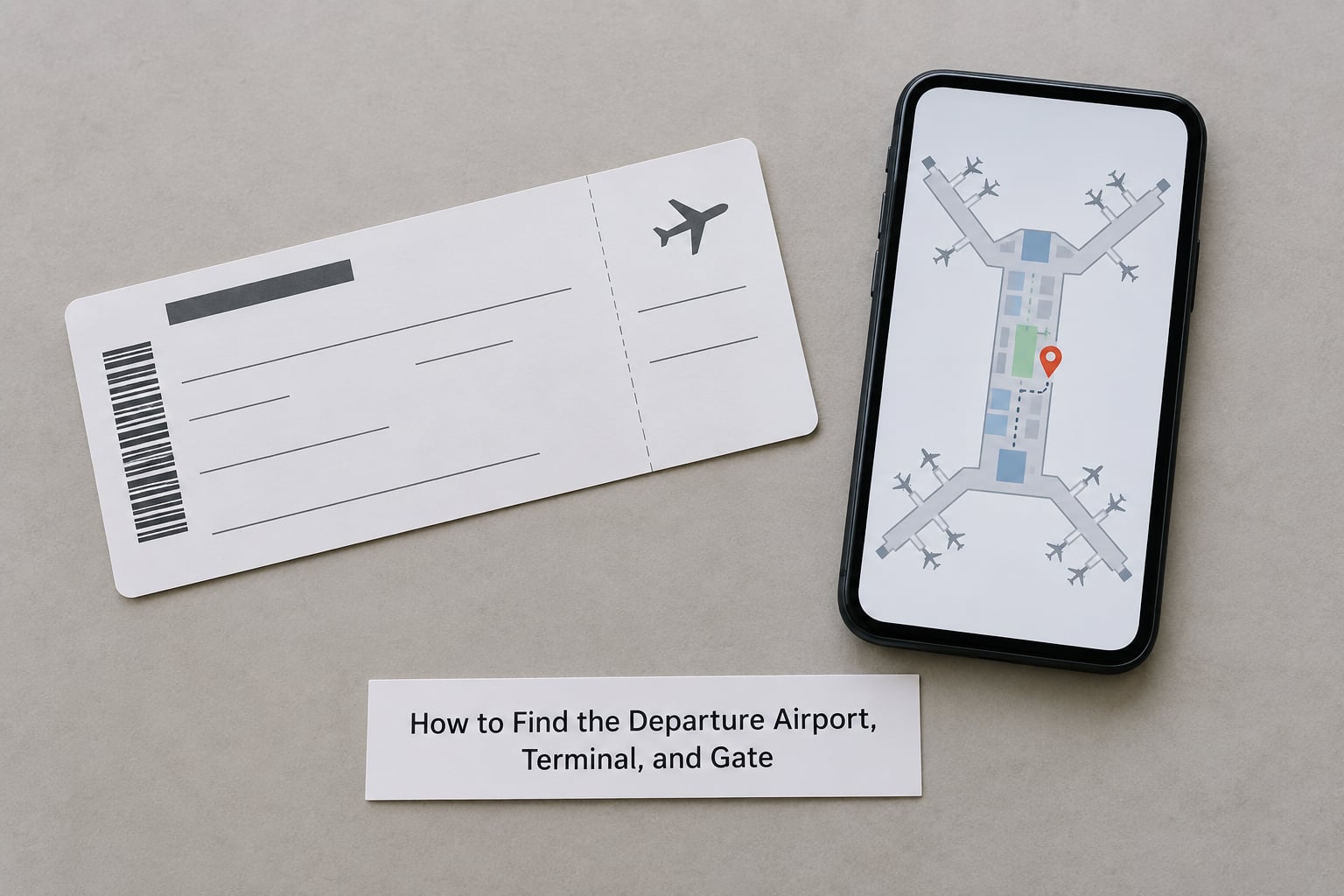
Terminal and gate sit on the same line or nearby. The gate is the one field you should never treat as final. Gate assignments are made hours ahead and get changed for staffing, aircraft swaps or weather, so the gate printed on a pass you downloaded the night before can be wrong by the time you arrive. Look again in the airline app and on the airport’s departure screens once you are in the terminal.
Some airports are big enough that a change means a different terminal, and at a few of the largest hubs, a different airport entirely. Those situations are rare, but they are the ones where a saved pass at a dead gate is most costly.
How to Read the Departure Time and Boarding Time
Three different times get confused, and the pass prints more than one.
- Boarding time — when your group is expected at the gate. For a group 3 boarding on an afternoon flight, that might be 40 minutes before departure.
- Gate close or boarding deadline — often printed as a separate cutoff or as a note like doors close 20 minutes before departure. After that, the gate agent cannot wait.
- Departure time — the scheduled time the aircraft pushes back its blocks, printed with a Z when it is UTC rather than local.
Boarding closes before departure because closing the door, pushback, taxi and de-icing all take time. A useful habit is to be at the gate when boarding starts for your group, not when it ends. If you arrive during boarding and your group has already gone, you can be left at the gate watching the door close, which happens to experienced travellers more often than anyone likes to admit.
For arrival times, remember they are local to the destination and have nothing to do with your home clock.
How to Find Your Seat and Boarding Group
Your seat is a row number and a letter, like 12A or 14C. Even rows have A, B, C on a narrow-body aircraft and even rows have A, C, D, E, F on a wide-body, because the aisle position shifts. The odd rows carry the window seat on one side and the aisle seat on the other, and the last letter before the rear door varies by aircraft type. This is exactly why people sit in the wrong seat: a letter that is an aisle seat on one aircraft is a middle seat on another.
Reading the pass still saves you, though. Check the seat against the cabin layout on the safety card, which every seat pocket has.
Boarding groups or zones tell you where you fall in the order of boarding, and they are not all about status. Most airlines fill the cabin back to front by zone, load bags in the holds first, then board passengers who need extra time, then priority and loyalty members, then general groups. A short walk to the plane instead of a fifteen-minute wait in a jet bridge is the usual reason zones exist.
A blank seat field is more common than people expect. It means you were not assigned a seat at check-in, either because none was allocated yet or because the flight is not one where seats are assigned in advance. Ask at the gate, and expect to be seated at boarding.
How to Check Status, Sequence Number, and Special Labels on a Boarding Pass
Several smaller codes appear on most passes, and this is where knowing the glossary pays off.
- PNR or record locator — the six-character code from your booking confirmation, usually letters and numbers such as QK7T2M. It is how the airline finds your reservation.
- ET or ETKT — your e-ticket number, usually 13 digits beginning 057 or 001. It is the document number for the ticket itself, separate from the confirmation code.
- SEQ — sequence number, the order in which passengers checked in. Frequent flyer communities read SEQ 001 as a marker of being first in line, so if you see it on your pass, check in early next time to keep it.
- FQTV — your frequent flyer number and tier, printed so the cabin crew can see your status.
- SSSS — Secondary Security Screening Selection. It means you were picked for extra screening by the US Secure Flight program. The criteria are not published and the airline cannot tell you why, so it is not a decision you made anything wrong. If it happens repeatedly, look up your record in the DHS TRIP Redress Control Number program and add your number to future reservations.
- S/O or SPTC — stopover indicators, telling the airline this itinerary includes a stop en route rather than a straight-through booking.
You may also see a TSA PreCheck indicator or a Known Traveler Number on the same line. Those show you were recognised by a trusted traveler program and can move through screening faster. If you are enrolled but the indicator is missing, the usual causes are a different name spelling than your enrollment, a booking made outside your known traveler account, or a codeshare flight operated by a partner that does not display it.
The barcode at the bottom is the part that actually gets you on the plane. It is a machine-readable version of everything above it under the IATA Boarding Pass Barcode standard, Resolution 792. Paper passes use a stacked PDF417 barcode; mobile passes often use an Aztec or Data Matrix symbol, or a QR code. The contents, not the format, are what the scanner reads.
How to Check Baggage, Lounge, and Other Travel Information
Optional fields depend on the fare and the airline. A checked-bag allowance may appear as a number of pieces and a weight allowance, sometimes as a code such as BGS. Lounge access shows as a lounge designation, and fast-track security shows as a marker near the security line.
Treat all of it as a summary rather than the policy itself. Baggage rules vary by route and by loyalty tier, and lounge access can depend on the airport and on the operating carrier rather than the ticket. Check the airline’s current published policy for your specific flight before you pack, especially with oversized or sports equipment.
One last thing about the barcode: it carries your itinerary and your record locator, so a photo of an unredacted pass is a real privacy exposure. Shred a paper pass after you no longer need it for a lost-baggage claim, and cover the barcode before posting a photo anywhere.
Common Mistakes When Reading a Boarding Pass
Treating the departure time as your arrival time at the gate. Fix: work backwards from boarding. Arrive at the airport two hours before a domestic departure and three before an international one, then be at the gate when your group’s boarding time starts.
Trusting the gate printed on the pass. Fix: check the airline app and the airport screens after you clear security. Set the app to notify you about gate changes rather than reading the gate once and remembering it.
Reading a connecting itinerary as one flight. Fix: a single pass covers one flight. If you have a connection, you get a separate pass per segment, and each one has its own gate, terminal and boarding group. On a codeshare, confirm which carrier is operating the segment before you check in.
Assuming a seat letter guarantees a window. Fix: letters shift with the aircraft layout, not the seat map you booked. Match the letter to the safety card diagram when you sit down, and if you need a window or aisle, confirm at check-in rather than assuming.
Overlooking the name and document rules. Fix: the name on the pass must match your travel document exactly as the airline recorded it, which is usually SURNAME/FIRSTNAME with any middle name folded into the first-name field. A mismatch is the single most common reason a passenger is sent to the service desk, and it is much harder to fix at the counter than in advance.
Discarding the pass before the trip is truly finished. Fix: keep it until your bags arrive, since it is part of the lost-baggage claim. After that, shred it rather than binning it whole.
Frequently Asked Questions
Will my boarding pass work if I screenshot it?
Sometimes. Most airline apps show a rotating barcode that refreshes every few seconds, and a static screenshot will fail that check at security or the gate. Some airlines accept a saved PDF or a wallet version, which behaves differently from a screenshot of the rotating code. If you want a fallback, save the pass as a PDF in Files or email it to yourself before you leave, and keep the app installed so it can refresh live if needed.
Do I need to print my boarding pass if it is on my phone?
On most routes, no. A mobile boarding pass in the airline app or your wallet is accepted at check-in, security and the gate, and it is the only option offered by some carriers. Printing is still worth considering for international itineraries where a paper copy has been requested, for passengers whose phone may run flat during a long security queue, and for anyone travelling with a companion whose app needs to work on two phones.
How do I decode a boarding pass barcode?
You normally do not need to. Under the IATA Boarding Pass Barcode standard, Resolution 792, the barcode encodes the passenger name, an electronic ticket document number, itinerary legs, the frequent flyer number and boarding status in a fixed layout, with the boarding fields appended at the end. Airport and airline systems read it with certified scanners, so the practical advice is to keep the code unfolded, upright and well lit.
What is the boarding time printed on a boarding pass?
It is the time your boarding group is expected at the gate, which is earlier than the departure time printed on the same pass. Boarding then proceeds by group, and the gate closes before the scheduled departure so the aircraft can push back on time. Being at the gate when your group’s boarding starts gives you the chance to ask about a seat change or to stow an overhead bag before the bins fill.
Why is the name on my boarding pass different from my passport?
Airlines print names the way the industry transmits them: SURNAME/FIRSTNAME with no space, and any middle name folded into the first-name field. A passenger booked as Jane Alexandra Smith may appear as SMITH/JANEALEXANDRA. That difference is normal and does not itself stop you flying. A genuine problem is a different surname or a misspelled first name, so check the pass against your document as soon as it is issued and fix it online where possible.
What does SSSS on a boarding pass mean?
SSSS is the Secondary Security Screening Selection code, printed when the US Secure Flight program has referred you for additional screening at the airport. Selection criteria are not published, and the airline neither chooses it nor can explain it, so a single SSSS is not a sign of anything you did wrong. If you are selected repeatedly, search your record in the DHS TRIP Redress Control Number program and add the resulting number to your reservations.
Conclusion
Check four things before you leave the house: your name matches your travel document, the flight number and date are the ones you booked, the terminal is right, and you know which group boards when. Then stop reading the paper. The live pass in the airline app is the one that matters, because the gate and the boarding time can both change after you print.