Here is how fare tracking alerts work in plain terms. A fare tracking alert is an automated email or push notification tied to one route, one set of dates and usually one price target. A search engine, airline or price-tracking service re-checks the published fare on a schedule, compares it against the rule you saved, and messages you when the number crosses that line. It tells you, it does not book for you.
That last part is the single biggest source of confusion. Most people assume a tracker is watching for a deal and will interrupt them when the deal appears. It is closer to a smoke alarm for a number on a screen, and that number belongs to someone else’s pricing system.
Below is how fare tracking alerts work end to end, what they can and cannot see, and how to set one up so it saves you money instead of filling your inbox.
Table of Contents
- 1How Fare Tracking Alerts Work
- 2What Does a Fare Tracker Monitor?
- 3Which Fare Providers Are Usually Checked?
- 4How Do You Set Up a Fare Tracking Alert?
- 5What Happens When the System Finds a Lower Fare?
- 6Why Can the Same Flight Show Different Prices?
- 7What Makes a Fare Price Change?
- 8A Fare Alert Example: From Alert to Booking
- 9Can Fare Tracking Alerts Predict the Best Deal?
- 10Fare Alerts Versus Fare Prediction Tools
- 11Best Practices for Using Fare Tracking Alerts
- 12Frequently Asked Questions
- 13How often do fare tracking alerts update?
- 14Can a fare tracking service book a ticket automatically?
- 15Are fare tracking websites legal and safe to use?
- 16Why might a fare increase after I receive a tracking alert?
- 17Does a fare tracker include bags, seat fees, or other charges?
- 18Should I keep an alert open after I find an acceptable fare?
- 19Conclusion
How Fare Tracking Alerts Work
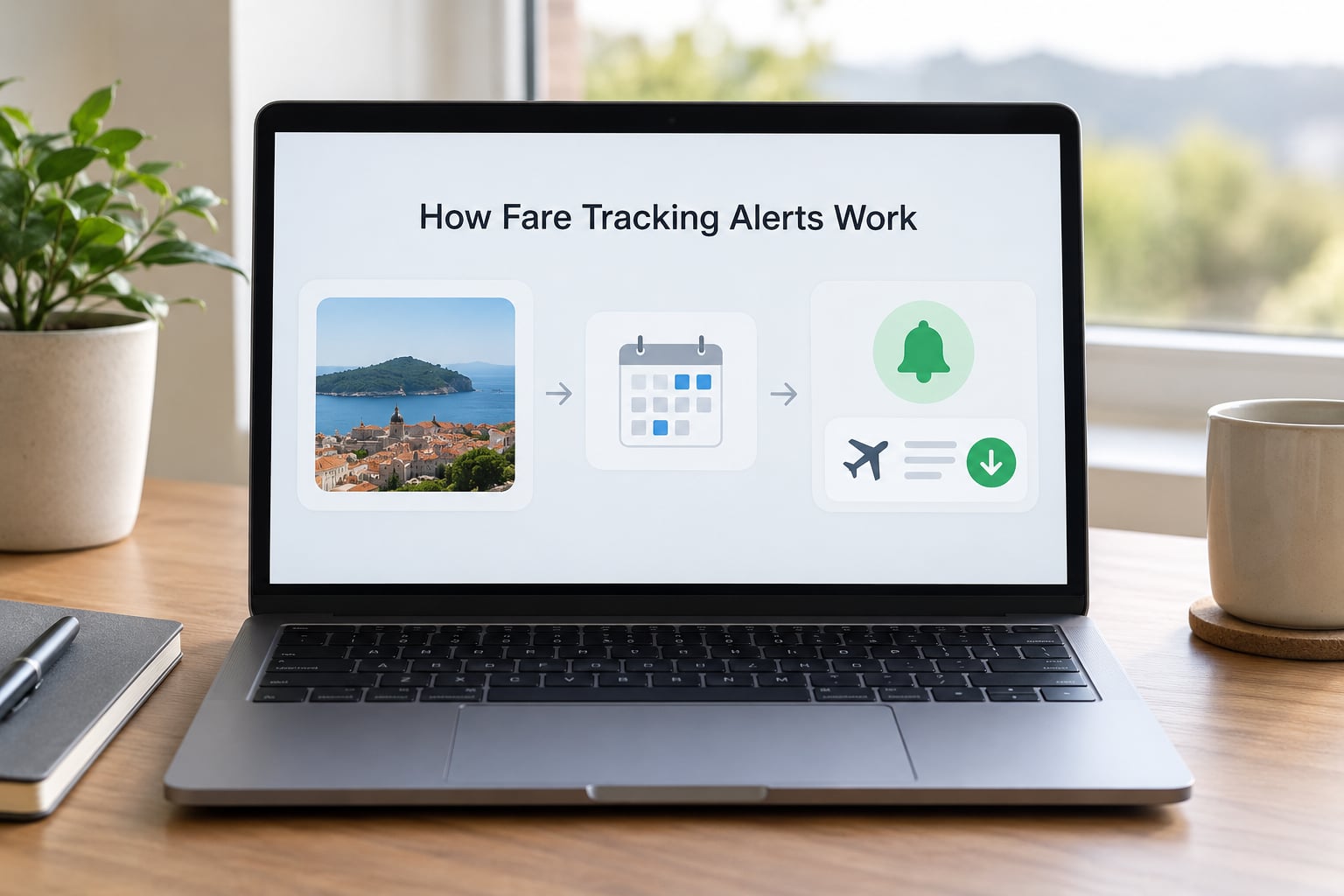
The mechanism has five moving parts, and every service builds some version of them.
- You save a search. Origin, destination, dates, passenger count, cabin and how flexible the dates can be. Some trackers also take a target price.
- The service queries inventory. That usually means asking airline booking systems, metasearch partners and online travel agencies what they are currently publishing for those exact inputs.
- It stores the number. That first result becomes the baseline the tracker compares against later, sometimes alongside a rolling history for the route.
- It compares and decides. Did the price fall below your target? Did it move at all? Some tools only react; others predict.
- It delivers a message. Email, mobile push, or a dashboard badge, usually within minutes or hours of a change depending on how often the tool polls.
None of those steps book anything. Booking requires payment details, and the alert is deliberately one click away from a real booking page rather than inside one.
What Does a Fare Tracker Monitor?
Most common trackers watch a fixed set of inputs: origin and destination, travel dates, number of passengers, cabin class, one-way or round-trip, nonstop or any number of stops, and optionally an airline allowlist or a price ceiling. The more tightly you define those, the fewer false alarms you get.
A few also track extras, such as whether a fare includes a checked bag, or whether the return leg falls on a specific day. Those narrower alerts are usually more useful, because a cheap one-way fare is not much of a bargain when it forces an overnight layover.
Which Fare Providers Are Usually Checked?
Coverage depends on the service and its commercial relationships. Most trackers read some combination of airline direct booking systems, metasearch engines, online travel agency listings, and published fare or route data. A smaller tracker may only see what one airline publishes.
This is why an alert can show a fare you cannot reproduce. The number came from a channel your booking screen did not include, or it was stale by the time you looked. More on that below.
How Do You Set Up a Fare Tracking Alert?
Setting one up takes about three minutes. The setup is nearly identical across tools, and the quality of the alert depends almost entirely on how loosely you define the search.
- Start from a real search. Run the search as you would book it, then turn on tracking from the results page. Alerts built from an actual itinerary are more accurate than alerts built from a bare route.
- Decide route versus specific dates. A route alert watches the city pair and lets dates float across a window you set. A specific-date alert watches one itinerary exactly. Route alerts catch more; date alerts are easier to act on.
- Widen before you narrow. Adding a date range and a nearby-airport option roughly triples the number of itineraries a tracker can evaluate, and most cheap fares hide one column over or a day earlier.
- Set a price ceiling, not a wish. Take the lowest fare the route showed over the last few months and aim below it. A number you would actually book produces far fewer notifications than a number that reflects your best-case weekend.
- Choose delivery channels. Email for routes you check occasionally, push for routes you want to catch within minutes.
- Confirm the contact details and test it. Open the confirmation, make sure the dates in the alert match what you meant, and check your spam folder once.
If your dates are not fixed, set the alert for a range rather than a day. Fixed-date alerts miss the fare that exists on the Tuesday you did not think to look at.
What Happens When the System Finds a Lower Fare?
The notification usually carries four things: the route, the dates, the new price and a link back to the result. Some include a price history graph, which is more useful than the headline number, because it tells you whether the new fare is genuinely low or just lower than yesterday.
Treat the alert as a prompt to recheck, not as a confirmed seat at that price. A real fare drop often stays available for somewhere between a few hours and a few days, and low fare buckets on a busy route can disappear within the hour once a handful of travelers find them.
Before you click, check three things: that the itinerary still matches what you wanted, that the total at checkout resembles the advertised number, and that the fare rules allow changes or refunds if your plans move.
Why Can the Same Flight Show Different Prices?
Identical flights routinely display different totals minutes apart. The cause is usually the sales channel, not the airline changing its mind in real time.
| Reason | What actually changes |
|---|---|
| Sales channel | The airline’s own site, an online travel agency and a metasearch result each hold different contract terms, so they can publish different totals for the same seat. |
| Inventory access | Some fares are only visible to that seller. A fare found on an agency site may not exist on the airline’s site at all. |
| Bundle assumptions | One total includes a checked bag or seat selection, another does not. The base fare is identical. |
| Currency and taxes | Display currency, local taxes and card foreign-exchange fees change the final total without touching the fare. |
| Separate tickets | Two flights sold as one itinerary can be two separate tickets, each with its own rules and its own risk if one is delayed. |
| Cache lag | Many distribution systems cache a fare for a period before refreshing. A tracker reading a cached value can be hours behind the seller’s live number. |
| Buyer eligibility | Some published fares require a specific ticketing window or advance purchase. Miss it and the fare simply is not available at that price. |
That last row is why an alert can point at a number that no longer exists. Not because the tracker lied, but because the fare had a condition attached.
What Makes a Fare Price Change?
Fares move because airlines manage inventory rather than publish sales. Each seat sits in a fare bucket with its own price and its own rules, and as a bucket fills, the airline opens the next one at a different number. Everything else feeds into that decision.
- Remaining inventory on the flight. The cheapest bucket sells out first and does not come back.
- How far out you are. Fares open high, move around, and often fall again inside the booking window, roughly a few months for domestic trips and longer for international ones.
- Seasonality. Holiday weekends and school breaks price differently from the weeks either side of them.
- Demand signals. Searches, abandoned bookings and load forecasts all feed the pricing system.
- Route competition. When two airlines share a corridor, each watches the other’s published fares.
- Promotions. Sales are unadvertised and time-boxed, which is most of why alerts exist.
A tracker observes these changes as numbers moving. It does not know which of the six produced a drop, and neither does anyone outside the airline.
A Fare Alert Example: From Alert to Booking
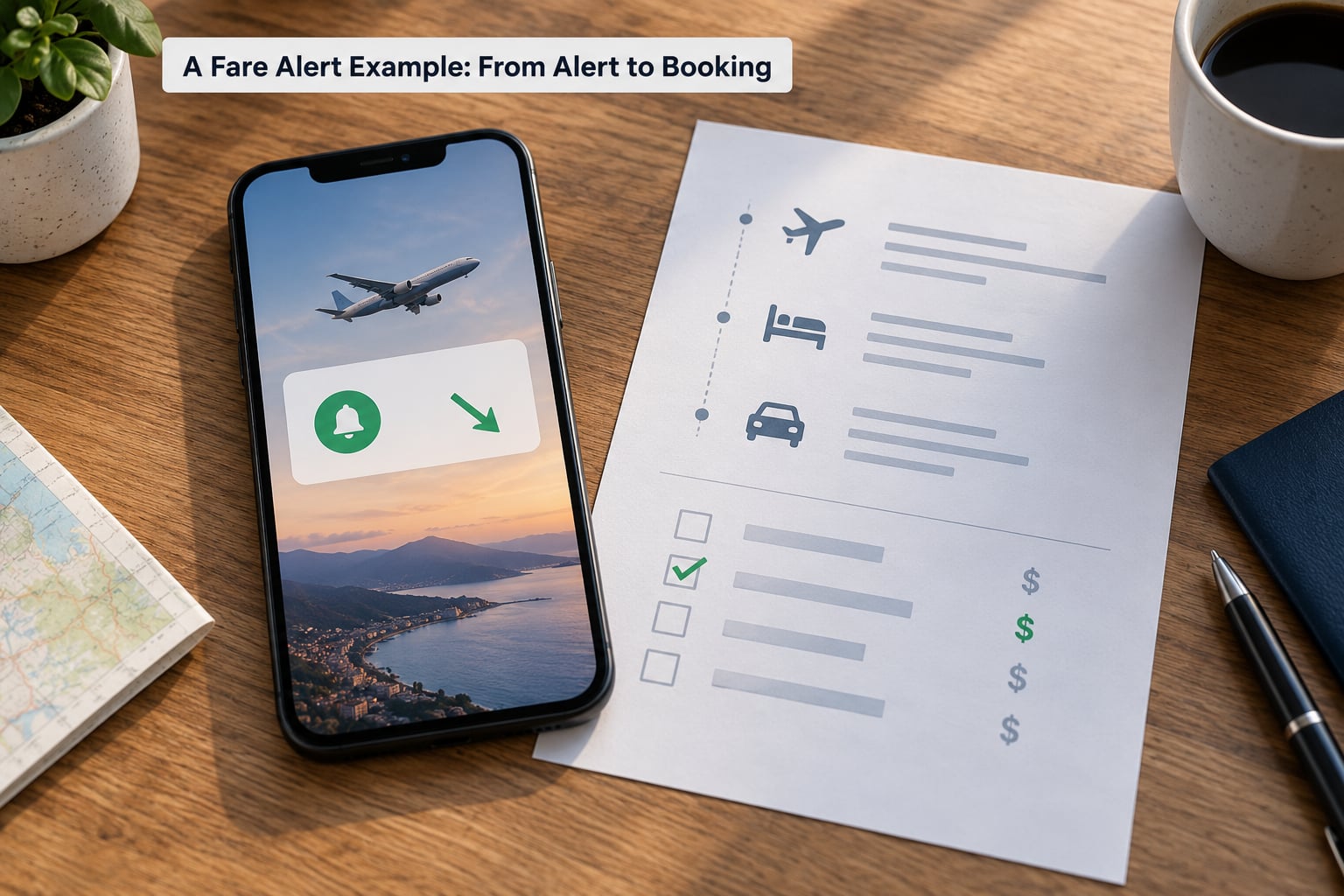
Someone plans a nonstop domestic trip four months out, with the option to travel any day in a ten-day window. They set a route alert for the city pair across that window, allow one connection if it saves more than a couple of hours, and set a ceiling a little below the cheapest fare the route has shown so far.
Three weeks later a push notification arrives. It lists the route, the new total, the number of stops and a link. The first thing worth doing is opening the price history rather than the booking link, because a fare can be lower than yesterday and still higher than the norm.
They compare three things at checkout: the final total including bags and seat fees, whether the return lands on a workable day, and whether the fare is changeable. The cheapest displayed option turns out to be a nonrefundable basic fare with a bag fee that erases most of the saving, so the second option wins.
They book it, then set a reminder rather than an alert. Nothing about that decision was made by the tracker. The tracker narrowed the search; the person did the rest.
Can Fare Tracking Alerts Predict the Best Deal?
No, and the distinction matters more than any tool feature. Monitoring and forecasting are different jobs, and most fare alerts only do the first one.
A tracker can tell you the displayed price changed, and in some cases that it crossed a threshold you set. It cannot tell you the fare is the lowest it will ever be, the lowest that will exist on that route, or the best moment to commit. Those require a forecast of demand and inventory, which is the job of predictive tools rather than notifiers.
So treat an alert as a signal to look, not a green light. The most common mistake is treating every notification as good news, when a drop of five percent from an already-high baseline is not a deal at all.
Fare Alerts Versus Fare Prediction Tools
Each type contributes a different piece, and they are more useful stacked than chosen between. Knowing how fare tracking alerts work, and where they stop, is most of the difference between a useful alert and a noisy one.
- Price-change alerts fire whenever the tracked number moves in either direction. Broad coverage, low effort, and the noise problem most people hit first.
- Target-price alerts stay quiet until the fare crosses the number you chose. Fewer messages, and the number you set determines how useful the tool feels.
- Metasearch tools compare many sellers at once and give you the spread. They answer “where is this sold cheapest” rather than “has it dropped”.
- Price history charts show where a fare sits relative to its own past. This is what converts a drop into a decision, because it gives you context.
- Predictive models estimate whether a fare is likely to rise or fall. Accuracy varies by route, season and how much competition the corridor has, so treat the output as a leaning rather than a verdict.
If you only use one, use the one that includes a price history chart. The chart is what answers the question alerts cannot: is this number good, or just new?
Best Practices for Using Fare Tracking Alerts
A few habits separate a useful alert setup from a notification pile-up.
- Use flexible dates when you can. A date range catches the fare on the day you never thought to check.
- Watch more than one source. Airline-direct alerts, a metasearch tool and a dedicated tracker overlap only partly.
- Verify the final total, not the headline. Bags, seats and separate tickets change the number that matters.
- Tune the volume. Too many alerts train you to ignore them, which defeats the purpose. Fewer routes with better rules beat twenty routes with loose ones.
- Check fare rules before you commit. Nonrefundable and no-change fares turn a good price into bad value if your dates might move.
- Act quickly when a fare is genuinely low. Low buckets are small and they do not refill.
- Use the free cancellation window where you have one. In the United States, a rule from the Department of Transportation requires airlines to allow cancellation within 24 hours of booking, or 24 hours before departure for bookings made more than a week out. Rules differ by country.
- Ignore the searches-raise-prices myth. Searching a route more often does not raise your fare. Repeated searches are recorded, but the price you see is not personalised to you.
One privacy note before you set anything up. Route searches reveal where you live, roughly when you travel and how often. If that matters to you, keep recurring routes and one-off searches on different devices or in a private window, and skip browser extensions that promise cheaper fares by rewriting your search.
Frequently Asked Questions
How often do fare tracking alerts update?
It depends on the tool and the plan. Some services poll continuously, others refresh a few times a day, and some run a scheduled daily sweep. The limit is usually not the schedule but the freshness of the data behind it, because many distribution systems serve cached fares for a period before updating. Treat any alert as a signal to recheck rather than a live quote.
Can a fare tracking service book a ticket automatically?
Almost never, and that is by design. Booking requires card details, passenger information and acceptance of fare rules, so most tools stop at the notification and send you to a booking page. A small number of services will rebook you automatically if you authorise a fare difference in advance, but they still need your explicit consent and payment details first.
Are fare tracking websites legal and safe to use?
Fare trackers are legal. They work by querying published booking systems the same way a browser does, either directly or through commercial data feeds. The caution is not about legality but about extensions and scrapers that promise cheaper international fares, since those may intercept your session or your search data. Check what permissions a tool asks for before you install anything.
Why might a fare increase after I receive a tracking alert?
Several things can happen. The fare bucket you were looking at can sell out while other buckets are still open at a higher price, so the alert fires and the route simply looks expensive again. The alert may also have been generated from cached data that was already out of date. Low fare buckets are small, and they do not refill once they are gone.
Does a fare tracker include bags, seat fees, or other charges?
Usually not. Most trackers display a base fare, and the optional extras such as checked bags, seat selection and changes are added at checkout. That gap is the reason two people can look at the same alert and disagree about whether it was a deal. Always compare the final total at checkout, and check whether the fare you picked already includes a bag.
Should I keep an alert open after I find an acceptable fare?
Keep it if you booked a flexible or refundable fare and the dates could still improve. Turn it off once you are booked, because an open alert on a route you no longer need is pure noise. A good middle ground is to set a reminder for two or three weeks after booking instead of a live alert, and check the price history once in that period.
Conclusion
Fare tracking alerts work by repeatedly querying airline, metasearch and agency inventory for a route you defined, comparing what comes back against a baseline or a price ceiling you set, and notifying you when the result qualifies. That is the whole mechanism, and its limit is just as important: the service tells you a number moved, it does not tell you the number is good, and it does not book for you.
Start with one flexible route or one date range, set a ceiling slightly below the cheapest fare that route has shown so far, and turn on price history if the tool offers it. When an alert arrives, check the graph, then check the final total and the fare rules. That sequence is what turns a notification into an actual saving.